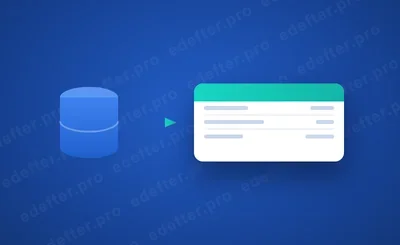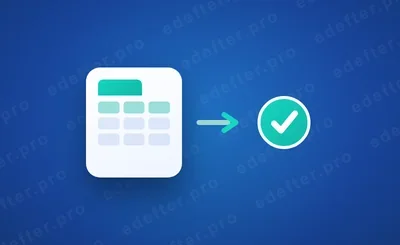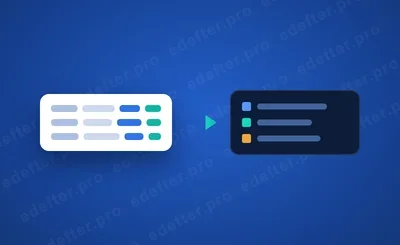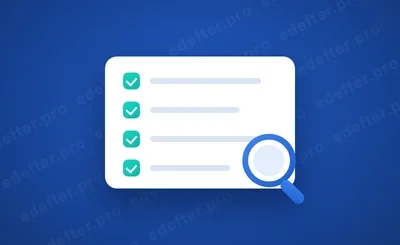


An e-Ledger is not a one time job; it is kept through a monthly recurring cycle. The cycle runs like this: accounting records are created, a journal and general ledger are produced from those records, the ledger is signed with a financial seal or certificate, the ledger's berat is prepared, and the berat is uploaded to GİB (Turkey's Revenue Administration) within its legal deadline. These steps run in order every period. Once you set the order, keeping an e-Ledger turns into a routine close.
Author: e-Defter PRO Content Team. The field team that runs the monthly e-Ledger close for taxpayers and accountants.
An accountant told us last year, "What I feared most was the last day panic." Every period end she rushed to finish all the ledgers at once.
Then the order changed.
Once she processed records regularly, the close stopped piling onto the last day and turned into a predictable routine. This article explains the e-Ledger monthly cycle step by step, with its deadlines and the tips for a clean close. You can find what e-Ledger is in our what is e-Ledger guide.
What You Need to Know
- An e-Ledger is kept through a monthly cycle: record, ledger production, signing, berat, upload to GİB.
- The berat upload is tied to a legal deadline; being late can lead to a penalty.
- Records come from the accounting program; integration removes manual entry.
- The ledger is not valid without a financial seal or a qualified certificate.
- The responsibility is the taxpayer's; even if the accountant runs the process, the obligation stays with the taxpayer.
How is an e-Ledger kept? The cycle in short
Keeping an e-Ledger means turning the period's accounting records into a legal ledger and getting it approved by GİB. It is best to think of it as a cycle, because the same steps repeat every period. A record forms, a ledger is produced, it is signed, its berat is prepared and uploaded.
The power of this cycle is that it removes stress when run regularly. Instead of leaving the steps to the last day, if you let them flow through the period, the close becomes just a few checks. Now let us see each step of the cycle one by one.
The monthly cycle step by step
The monthly cycle is made of five core steps. Each step takes the output of the one before and prepares the next. The flow below shows the whole process.
- Accounting records are created (vouchers, invoices, collections).
- A journal and general ledger are produced from the records.
- The ledger is signed with a financial seal or a qualified certificate.
- The ledger's berat is prepared and signed.
- The berat is uploaded to GİB within its legal deadline.
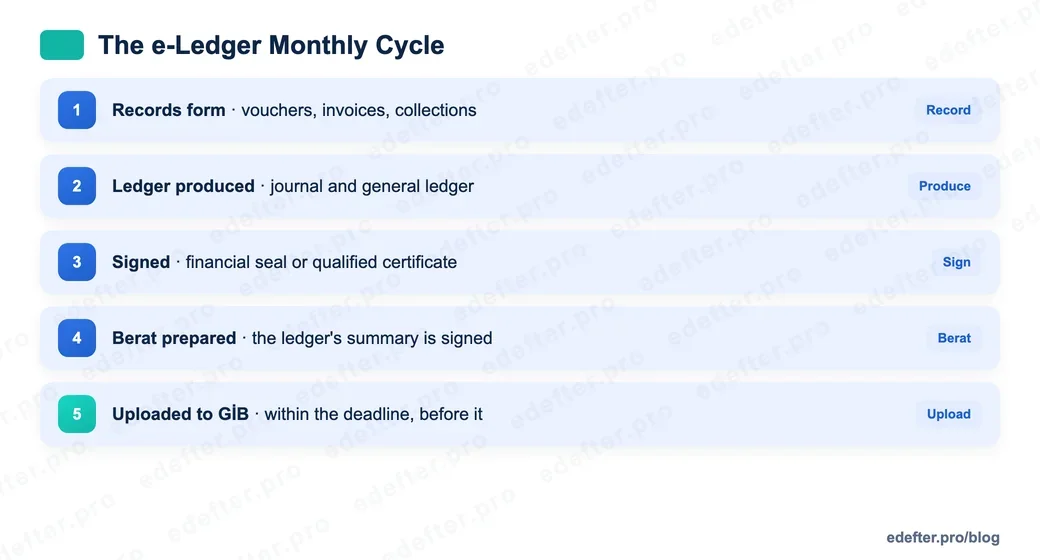
Four of these five steps are in fact run by the software. What falls to you is making sure the records form correctly and on time, and approving the close. The rest can be automated.
Deadlines and the calendar: what does being late cost?
The most critical point of the cycle is the berat upload deadline. The berat must be uploaded within the legal deadline set by its period. Missing this deadline means the ledger is not approved on time, and it can result in an administrative sanction.
Rather than repeat the current submission and upload deadlines one by one, we gathered the detail in our submission deadlines guide. We covered the possible results of being late in our e-Ledger penalties article. The core principle here is this. See the deadline not as a reminder but as a limit. Finish the close not by the deadline but before it.
Setting the calendar up front is the best protection. If you set the upload day in advance for each period and leave a few days of margin, system load or an unexpected hitch will not put you in a bind.
Where do the records come from? Integration
The first step of the cycle, creating records, is in most businesses already done in an accounting program. The question here is how those records reach the e-Ledger side. There are two ways: entering records by hand or transferring them automatically through integration.
Manual entry is slow and error prone. Integration takes the records straight from your program. Programs like Logo, Zirve and Mikro connect through a database connection, and programs like Luca through file transfer. We explained how both work in our accounting software integration article. If you use Luca, our Luca with e-Ledger guide is just for you.
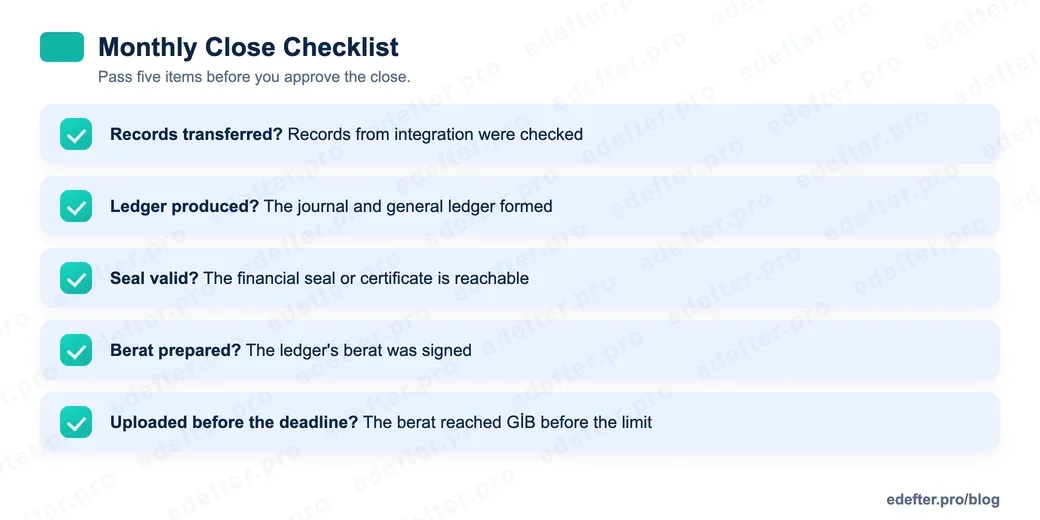
Once integration is set, the first step of the cycle flows almost on its own. All you need to do at the close is check the transferred records.
No ledger without a signature
The third step of the cycle is signing, and it cannot be skipped. e-Ledger files are not valid without a signature. Legal entities sign their ledgers with a financial seal, and real persons with a qualified electronic certificate. The signature secures that the ledger is yours and that the content has not changed.
The signing tool being valid and reachable is a precondition of the close. An expired seal, noticed on the close day, creates panic. On the other hand, the signature need not be the taxpayer's own seal. A taxpayer without their own seal can, through a consent letter, have the ledger signed with an authorized intermediary's seal; the responsibility still stays with the taxpayer. We covered this distinction in our e-Ledger without a financial seal article. Settling your signing route, your own seal or a consent letter, at the start of the period is the most forgotten safeguard of the cycle.
Who keeps it: the taxpayer or the accountant?
This question comes up often, and its answer has two layers. In practice the e-Ledger cycle is most often run by the accountant; they process the records, produce the ledger and upload the berat. But the legal responsibility sits on the taxpayer. So even if the accountant does the work, the owner of the obligation is the taxpayer.
This split matters in practice. The taxpayer must make sure the process runs; the accountant must complete the close on time and correctly. A clear division of labor between the two, and regular communication, cuts the risk of a missed deadline or a missing ledger by a lot.
In Short
Keeping an e-Ledger is not a thing to fear once the order is set. Let the steps of record, ledger, signing, berat and upload flow through the period, see the deadline as a limit and finish the close before it. If you want us to set up and run the cycle for you, talk to our expert team.