
The e-Ledger Viewer is a free program from GİB, Turkey's Revenue Administration. It opens journal, general ledger and berat XML files that sit in XBRL GL format, shows them in a human readable form, prints them and checks them against GİB rules. The viewer does not create a ledger. Producing the ledger, signing it and uploading its berat is the job of GİB approved compliant software. The viewer only reads a file that already exists.
Author: e-Defter PRO Content Team. The team that runs e-Ledger viewing and control for taxpayers in the field.
Last month a taxpayer called in a panic. His accountant had sent the e-Ledger files, but a double click showed only meaningless lines of code on screen. "Are my ledgers broken?" he asked.
They were not.
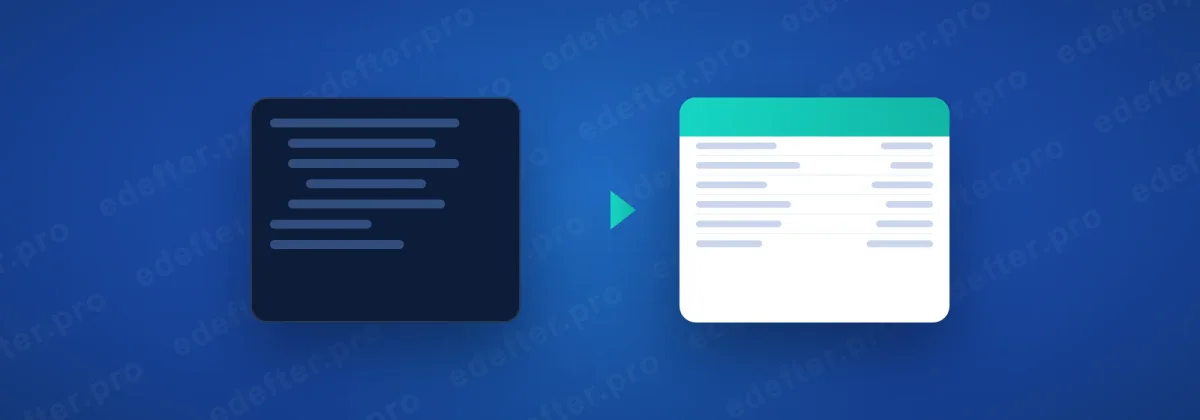
That file was an XBRL GL file, built to be read by a machine, not by the human eye. Opened with the right tool, it turned into a readable ledger in seconds. This article explains both why the file looks that way and how you open it with the viewer. You can find what e-Ledger is in our what is e-Ledger guide.
What You Need to Know
- The e-Ledger Viewer is a free GİB program that makes XBRL GL XML files readable.
- It shows journal ledgers, general ledgers and berat files, prints them and checks them against GİB rules.
- The viewer does not create a ledger. Ledger production and signing belong to GİB approved compliant software.
- The program is Java based and is downloaded from edefter.gov.tr. Its version and download path change from time to time.
- e-Ledger XML files do not open on a double click; the XBRL GL format is machine readable, so a viewer or a conversion is needed.
What is the e-Ledger Viewer?
The e-Ledger Viewer is a free program published by GİB that shows e-Ledger files in XBRL GL format in a readable form. Its purpose is to let the required checks run before the files go to GİB and to let the taxpayer inspect the ledger with ease. It opens journal ledgers, general ledgers and berat files.
The most important trait of the program hides in what it is not. The viewer is not a ledger production tool. So you cannot create a new e-Ledger with it, sign it or upload it to GİB. Those are the job of GİB approved compliant software. The viewer only reads and checks the file that software produces.
This line blurs often in the field. Taxpayers think the viewer is a "ledger program" and try to produce a ledger with it. Yet the two are different layers. One produces. The other displays.
Why will an e-Ledger XML file not open?
An e-Ledger file shows no readable text on a double click because the XBRL GL format is built for machines, not for people. Open the file in Notepad or a browser and you see a pile of code full of tags. This is not an error. It is the nature of the format.
XBRL GL holds accounting data in an international standard, in a tagged structure. That structure eases transfer and validation between systems, yet it is not fit for reading by eye. It needs a conversion to become readable. The viewer does exactly this. It turns tagged data into tables and shows journal entries, account codes and amounts in order.
So there is nothing wrong with your file. It simply needs the right tool. For detail on the berat, our what is an e-Ledger berat article helps.
What does the viewer do, and not do?
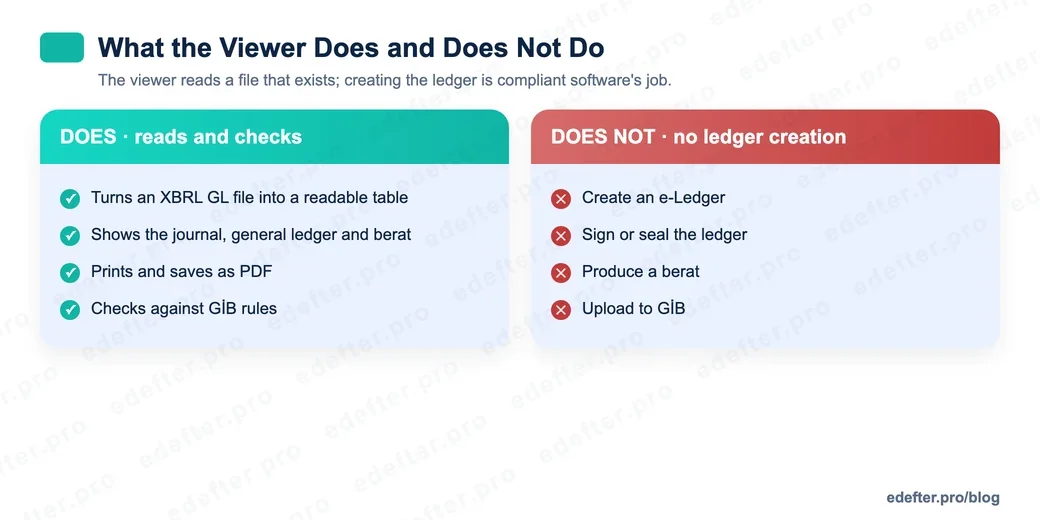
Knowing the limits of the viewer is the key to using it right. The table below places what it does and what it does not side by side.
| The viewer DOES | The viewer DOES NOT |
|---|---|
| Turn an XBRL GL file into a readable table | Create an e-Ledger |
| Show the journal, general ledger and berat | Sign or seal the ledger |
| Print and save as PDF | Produce a berat |
| Check against GİB rules and report status | Upload to GİB |
The most critical cell sits top right. Ledger creation is done by GİB approved compliant software, not by the viewer. At e-Defter PRO we produce the ledger, sign it and send it; the viewer serves anyone who wants to read and check a file that already exists. The two complete each other. Neither replaces the other.
How do you download and use the GİB viewer?
The GİB e-Ledger Viewer is obtained from the downloadable software section at edefter.gov.tr. The program is Java based and runs through a Java Web Start file. Install and run finish in a few steps. The flow below shows the general process.
- Download the e-Ledger Viewer file from edefter.gov.tr.
- Make sure a current Java version is installed on your computer.
- Run the downloaded viewer file.
- Load your ledger or berat file into the program.
- View the ledger, check it and, if needed, print it or take a PDF.
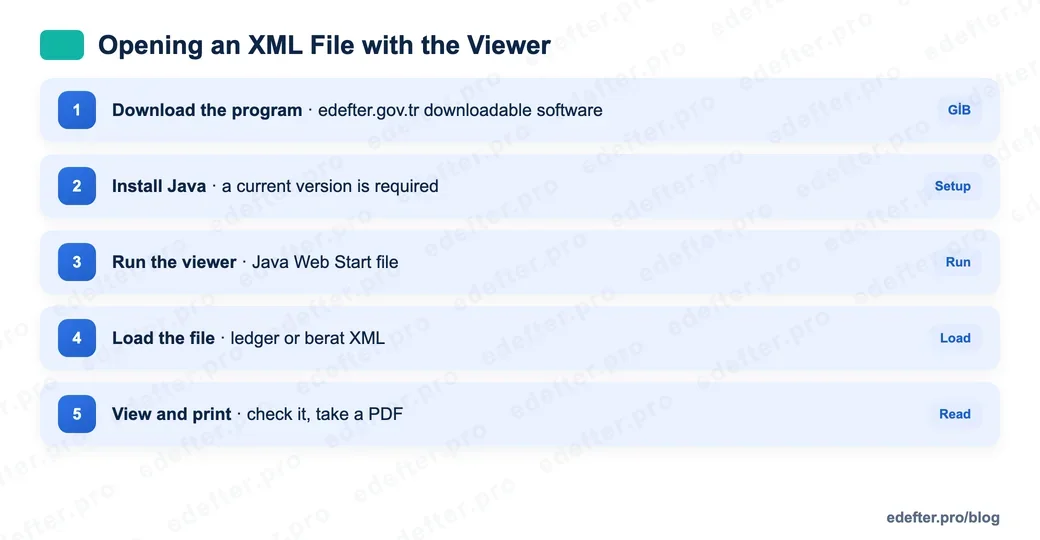
A warning is in order. The viewer's version, download path and Java requirement update from time to time. The most common problem is a Java version mismatch. We suggest you confirm the current requirements on edefter.gov.tr before install. If you will produce your files for the first time, first look at our e-Ledger application guide.
Which of the four versions should I pick?
The GİB viewer comes in a few versions, and the choice depends on the size of your ledger and your need. The standard version is enough for most taxpayers. The large versions give a memory and performance edge to open high size ledgers without trouble. The enhanced versions add filtering.
Filtering pays off in ledgers with many records. It can filter by journal date range, by journal entry number or by account code range, so you find the record you seek fast. So if your ledger is small, the standard version is enough; if it is large and record heavy, the enhanced large version runs more smoothly.
Are there alternative ways besides the viewer?
Yes. There are two more ways to view e-Ledger files besides the GİB program. The first is the conversion template published by GİB. The berat.xslt file downloaded from edefter.gov.tr is placed in the same folder as the XML to be viewed, and the file becomes readable when opened in a browser. It needs no install.
The second is install free online viewers. These show the ledger once you drag and drop the file. They look handy, but a privacy warning is a must here. On this path you upload your ledger data to a third party server. A taxpayer's financial records are sensitive data, so do not upload a ledger to a site you do not trust. The safest way is the GİB program or the official GİB conversion template.
In Short
If we sum the viewer up in one line: it reads and checks your e-Ledger file, but it does not create it. If your file will not open, do not panic. With the right tool it reads in seconds. If you need help on the production and submission side, talk to our expert team.